If you’ve ever sat in front of a blinking cursor wondering whether your writing tool is helping or slowing you down, you’re not alone. As someone who has worked with both minimalist writing apps and traditional editing tools for years, I’ve seen firsthand how your choice of software can either sharpen your focus or quietly drain your productivity.
To better understand how these distraction-free tools work and why they boost focus, check out what a minimalist writing app is, including its benefits, features, and best options.
So let’s break it down properly: Minimal Writer vs Traditional Editors — which one actually boosts productivity?
Minimalist Writing Tools vs Traditional Editors: What’s the Real Difference?
Before comparing performance, it’s important to understand what we’re dealing with.
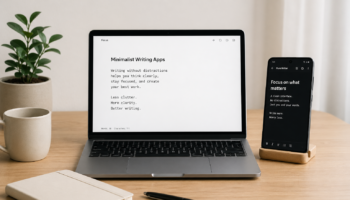
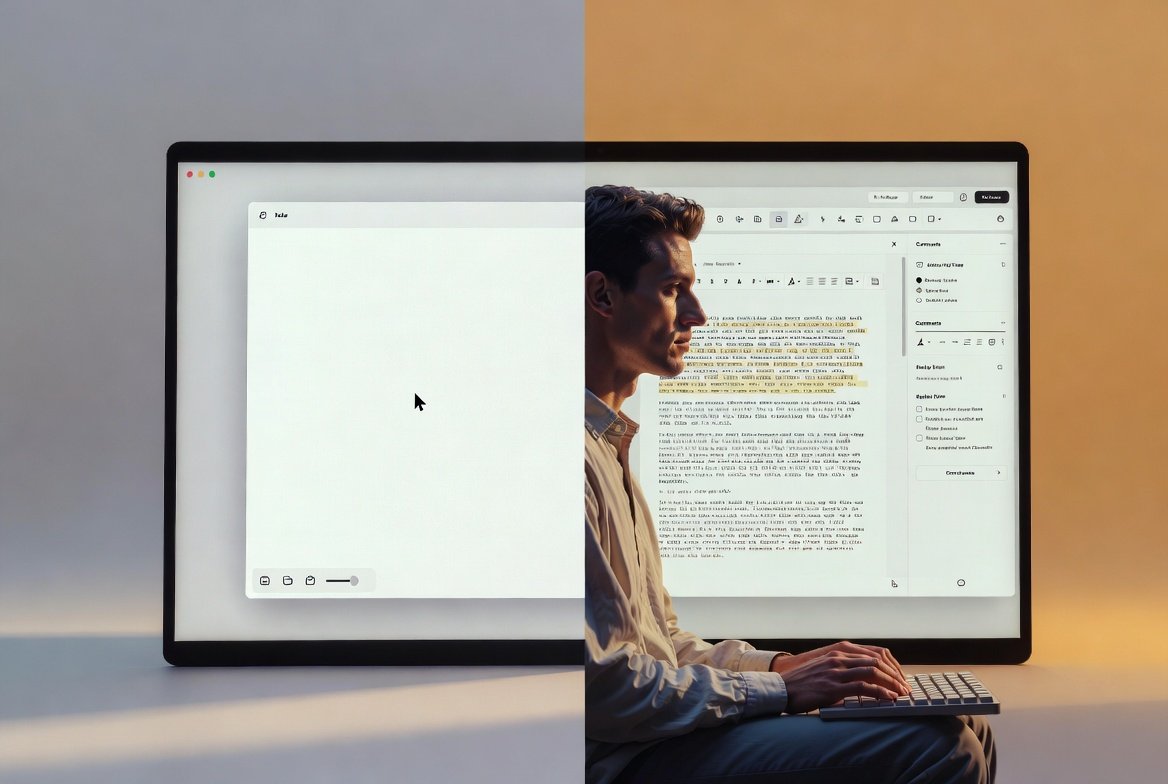
Minimalist writing tools (like Minimal Writer-style apps, iA Writer, or Ulysses) are designed to strip everything down. No distractions, no cluttered menus, just a clean writing space. The goal is simple: help you write faster and think clearer.
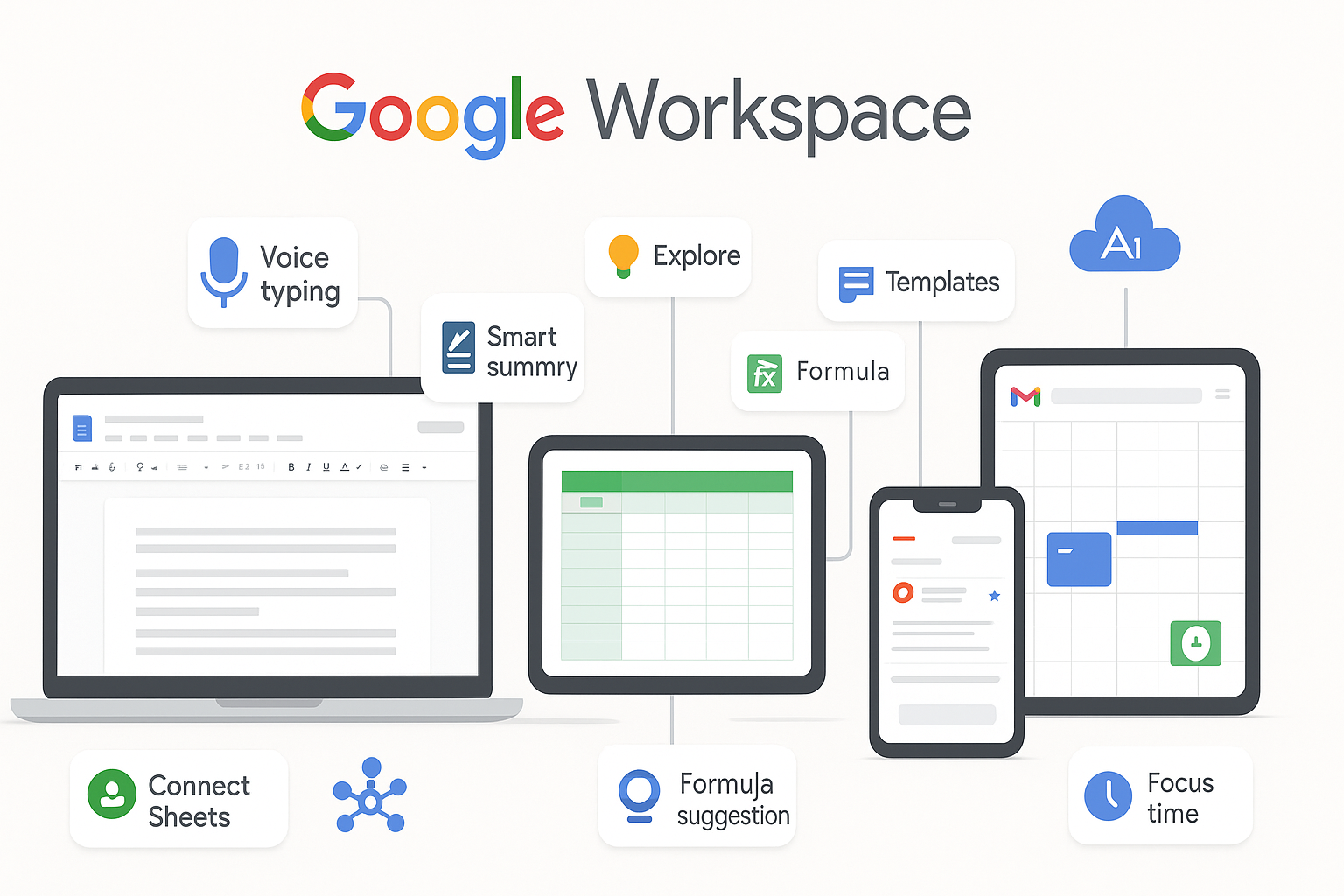
On the other hand, traditional editors (like Microsoft Word or Google Docs) are feature-heavy. They offer formatting tools, collaboration features, templates, review tools, and integrations. In short, they’re built for production and editing, not just writing.
So the real difference is this: Minimal tools prioritize flow, while traditional editors prioritize functionality.
If you’re exploring tools that actually improve focus and writing speed, this list of the top 10 minimalist writing apps for students, bloggers, and creators will help you choose the right one for your workflow.
Minimal Writer Productivity Benefits: Focus, Flow, and Speed
When I first switched to minimalist writing tools, the biggest change wasn’t speed—it was mental clarity. With fewer buttons and distractions, your brain stops multitasking and starts writing.
Minimal writing environments are powerful for:
- Deep focus writing sessions
- First drafts and brainstorming
- Overcoming writer’s block
- Maintaining creative flow without interruptions
One underrated advantage is how these tools reduce “formatting anxiety.” You’re not worrying about fonts, spacing, or styles while writing. You just write.
For bloggers, students, and content creators, this often translates into faster output and more consistent writing habits.
However, minimal tools are not perfect. Once your draft is done, you often need to move it elsewhere for formatting, SEO optimization, or collaboration.
Traditional Editors vs Writing Apps: Collaboration and Control
Now let’s talk about traditional editors like Microsoft Word and Google Docs.
These tools shine in collaboration-heavy environments. If you’re working with an editor, team, or client, real-time comments and track changes are invaluable.
Traditional editors also excel in:
- Document formatting and styling
- Advanced editing tools (spell check, grammar suggestions, etc.)
- File compatibility and sharing
- Structured writing (reports, academic papers, proposals)
From my experience, these tools are better suited for final-stage writing. When precision matters—like formatting citations, preparing reports, or publishing documents—traditional editors take the lead.
But here’s the downside: they can be distracting. Too many menus, notifications, and formatting options often pull your attention away from actual writing.
Minimalist Writing Apps vs Microsoft Word: Which Improves Focus?
This is where the productivity debate gets interesting.
If your goal is deep focus writing, minimalist apps win. They reduce friction and help you stay in the zone longer. You’re less likely to stop mid-sentence to adjust formatting or explore features you don’t need.
But if your workflow involves heavy editing, collaboration, or structured formatting, Microsoft Word or Google Docs becomes more practical.
Think of it this way:
- Minimal tools = writing phase
- Traditional editors = editing and publishing phase
Many professional writers actually use both. They draft in minimalist tools, then polish in traditional editors. That hybrid workflow often delivers the best productivity results.
If you want a quick shortcut to the most effective tools, here are the best 5 minimalist writing tools you can start using immediately.
Writing Workflow Optimization: Using Both Tools Together
Here’s the truth most productivity guides won’t tell you: you don’t have to choose one forever.
The most efficient writers I’ve worked with use a two-stage system:
- Drafting stage (Minimal Writer tools):
Focus on ideas, speed, and creativity without distractions. - Editing stage (Traditional editors):
Refine structure, fix grammar, format properly, and prepare for publishing.
This combination removes the weaknesses of both systems while maximizing their strengths.
If you’re a blogger or content creator, this workflow can significantly improve output consistency and quality.
Productivity Showdown: Minimal Writer vs Traditional Editors
So, which one truly boosts productivity?
It depends on how you define productivity.
- If productivity means writing more words in less time, minimalist writing tools win.
- If productivity means producing polished, collaboration-ready documents, traditional editors win.
- If productivity means long-term efficiency and quality, a hybrid approach wins overall.
From my experience, most productivity problems don’t come from lack of tools—but from using the wrong tool at the wrong stage of writing.
Final Thoughts
The debate between Minimal Writer tools and traditional editors isn’t about which one is better universally—it’s about context.
Minimalist writing apps help you think and create faster. Traditional editors help you refine and deliver better. When you understand this balance, you stop fighting your tools and start using them strategically.
If you’re serious about productivity, don’t limit yourself to one side. Instead, build a workflow that respects both focus and functionality.
That’s where real writing productivity begins.
FAQs: Minimal Writer vs Traditional Editors
1. Are minimalist writing tools better for productivity?
Yes, especially for drafting. They reduce distractions and help writers stay focused, which improves speed and flow.
2. Can I use both minimal writing apps and traditional editors?
Absolutely. Many writers draft in minimalist tools and edit in traditional editors for better results.
3. Is Microsoft Word still relevant for writers?
Yes. It remains one of the best tools for formatting, collaboration, and final document preparation.
4. What is the best tool for blogging?
A hybrid workflow works best—use a minimalist tool for writing and a traditional editor for SEO formatting and publishing.
5. Do minimalist writing apps improve creativity?
In most cases, yes. By removing distractions, they allow your brain to focus more on ideas and less on formatting.