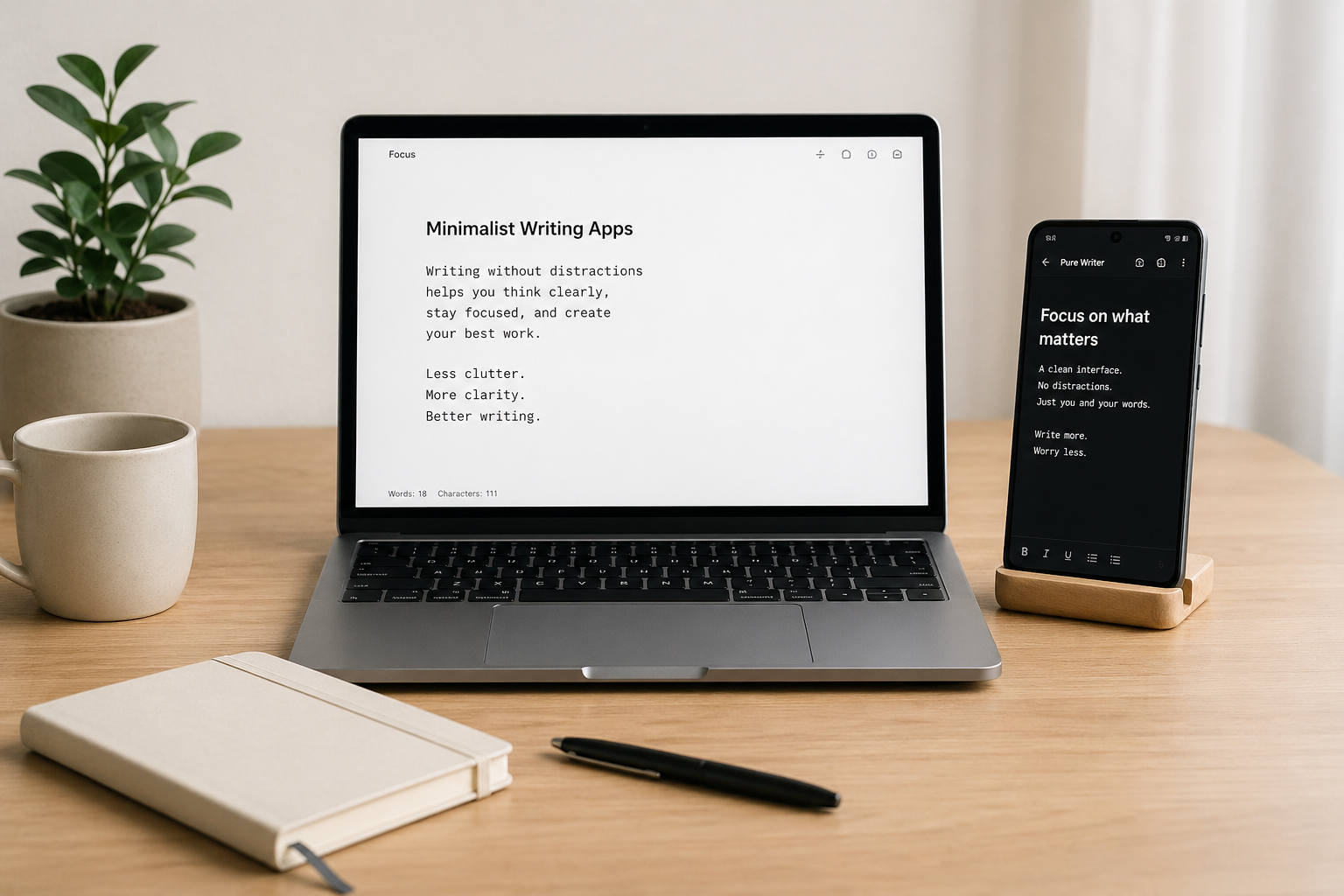
If you’ve ever felt overwhelmed by endless writing tools, pop-ups, and distracting dashboards, you’re not alone. In 2026, the demand for minimalist writing apps for Android and PC is higher than ever—and for good reason.
Writers, bloggers, students, and creators are shifting away from cluttered traditional editors and moving toward distraction-free tools that help them think better and write faster.
As someone who works in digital minimalism, I’ve tested a lot of these tools across devices.
Let’s break down the best minimalist writing apps you can use in 2026 for both Android and PC, and how they can actually improve your productivity.
Table of Contents
Why Minimalist Writing Apps for Android and PC Matter in 2026
Modern writing is full of distractions—notifications, social media, multitasking apps, and endless browser tabs. That’s why minimalist writing apps across Android and PC have become essential productivity tools.
These apps focus on one thing: writing without interruptions.
Unlike traditional editors, they remove unnecessary features like toolbars, templates, and complex menus. What you get is a clean space where your ideas can flow naturally.
If you’re new to this concept, you might want to explore what a minimalist writing app is, including its benefits, features, and best options to understand why this writing style is becoming so popular.
Best Minimalist Writing Apps for Android in 2026
Android users now have more distraction-free writing tools than ever before. Here are some of the best picks for 2026:
JotterPad – Clean Writing for Android Creators
JotterPad remains one of the most reliable minimalist writing apps for Android. It offers a clean interface, markdown support, and offline writing capability.
It’s perfect for bloggers and writers who want a simple but structured writing experience without unnecessary distractions.
iA Writer (Android Version) – Focused and Elegant Writing
iA Writer is known for its ultra-clean interface and focus mode that highlights only the sentence you’re working on.
On Android, it delivers a smooth writing experience with offline support and cloud syncing when needed.
If you’ve read about the best 5 minimalist writing tools, you’ll notice iA Writer is often included for its simplicity and focus-driven design.
Writer Plus – Lightweight and Fast Writing App
Writer Plus is one of the lightest writing apps available on Android. It’s perfect for quick notes, drafts, and idea capturing.
It doesn’t overwhelm you with features, which makes it ideal for distraction-free writing sessions on the go.
Best Minimalist Writing Apps for PC
PC users often need a balance between simplicity and productivity. These apps deliver exactly that.
FocusWriter – Full-Screen Distraction-Free Writing
FocusWriter is one of the most popular minimalist writing apps for PC. It offers a full-screen environment that hides everything except your text.
It’s especially useful for long writing sessions where you need deep focus without interruptions.
WriteMonkey – Ultra-Minimal Writing Environment
WriteMonkey is designed for writers who want zero distractions. It strips everything down to the essentials and even allows portable use.
If you’ve explored free offline minimalist writing apps you can use offline, WriteMonkey fits perfectly into that category.
Typora – Clean Markdown Writing Experience
Typora combines minimalism with powerful markdown editing. It gives you a live preview while keeping the interface extremely clean.
It’s a great option for bloggers and technical writers who want structure without clutter.
Android vs PC Minimalist Writing Apps: Which One Should You Use?
Choosing between Android and PC writing apps depends on your workflow.
- Android apps are best for quick notes, ideas, and writing on the go
- PC apps are better for long-form writing, blogging, and deep focus sessions
Many writers actually use both together. They draft ideas on Android and refine them later on PC.
If you want a deeper comparison of writing tools, you can check out Minimal Writer vs Traditional Editors: Which One Boosts Productivity? to understand how tool choice affects your output.
How to Get the Most Out of Minimalist Writing Apps
Using minimalist writing apps is not just about installing software—it’s about changing how you write.
Here are a few simple habits that improve results:
- Turn off notifications before writing
- Use full-screen mode whenever possible
- Set time-based writing sessions (like 25–50 minutes)
- Write first, edit later
If you combine these habits with tools from the top 10 minimalist writing apps for students, bloggers, and creators, your productivity will improve significantly.
Final Thoughts
The best minimalist writing apps for Android and PC in 2026 are not about flashy features—they’re about removing noise so you can focus on what matters: your words.
Whether you’re writing blog posts, academic work, or creative stories, these tools help you stay consistent and productive without distractions.
The real advantage isn’t the app itself—it’s the clarity it gives your thinking.
Start simple. Write more. Distract less.
FAQs: Minimalist Writing Apps for Android and PC
1. What is the best minimalist writing app for Android?
JotterPad and iA Writer are among the best options due to their clean design and offline support.
2. What is the best minimalist writing app for PC?
FocusWriter and WriteMonkey are top choices for distraction-free writing on PC.
3. Can I use minimalist writing apps offline?
Yes, many minimalist writing apps work offline, especially desktop-based tools like FocusWriter and WriteMonkey.
4. Are minimalist writing apps better than Microsoft Word?
For focus and drafting, yes. But Word is better for formatting and final document editing.
5. Can I use both Android and PC writing apps together?
Absolutely. Many writers draft on Android and edit or finalize on PC for better productivity.