How Minimal Writing Apps Improve Focus & Creativity
If you’ve ever opened a writing app and immediately got distracted by toolbars, notifications, fonts, templates, and “helpful” suggestions you didn’t ask for, you already understand the problem minimal writing apps are solving.
As a digital minimalist and someone who writes daily across blogs and content platforms, I’ve seen one consistent truth: the simpler the writing environment, the clearer the thinking.
Minimal writing apps are not just a design trend. They are a productivity shift.
In this article, I’ll break down how they actually improve focus and creativity using real-world use cases from writers, students, bloggers, and creators.
Table of Contents
Why Minimal Writing Apps for Focus and Deep Work Matter
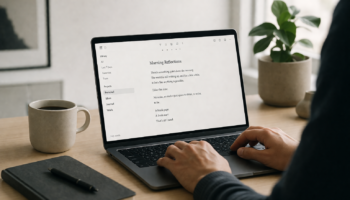
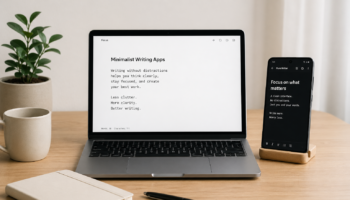
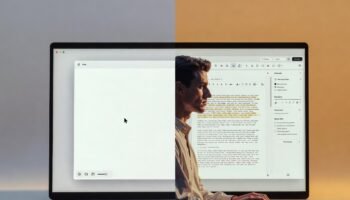
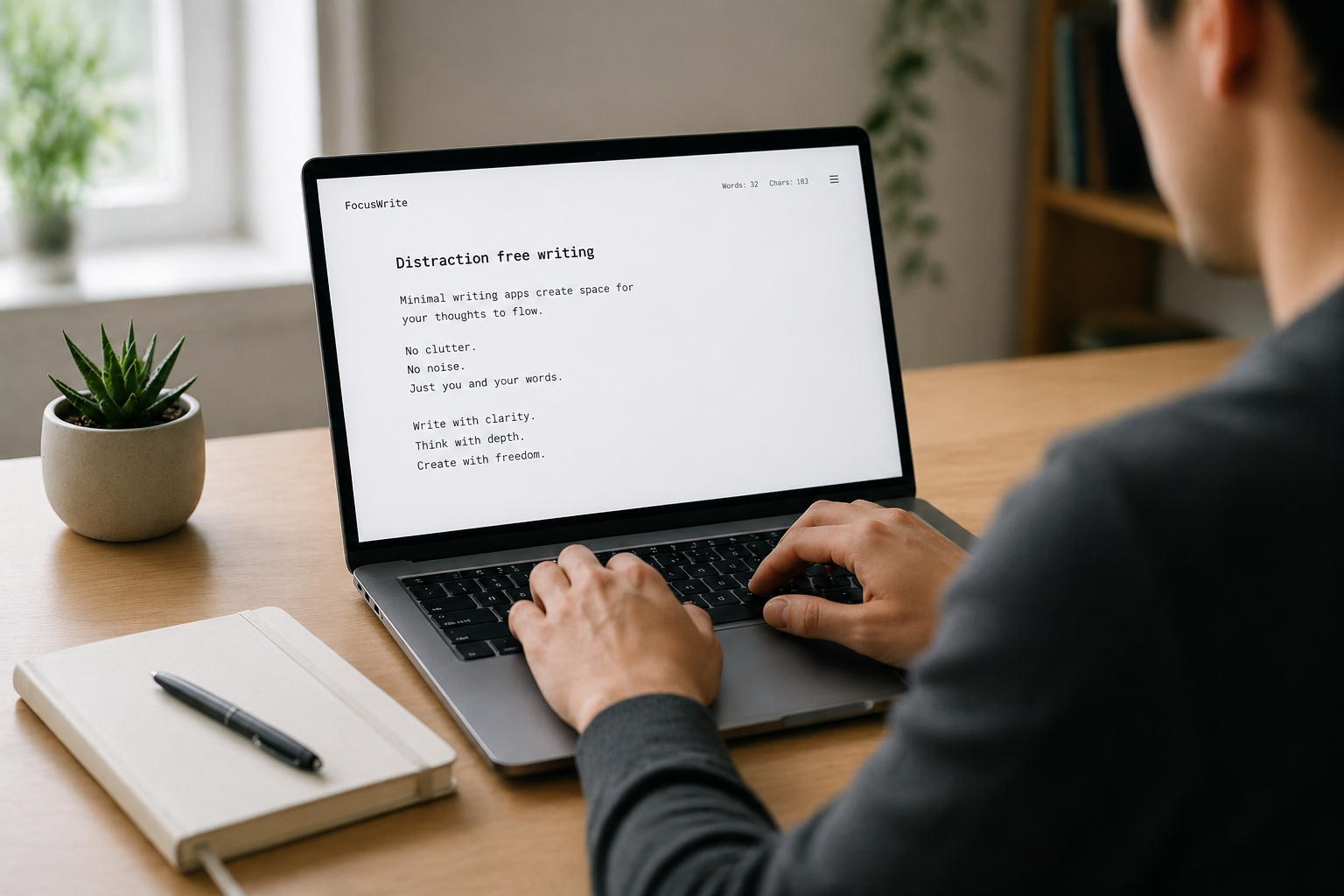
Minimal writing apps are designed to remove everything except the text. No clutter. No distractions. Just a blank page and your thoughts.
From my experience, this “empty space” is powerful. When there are no formatting buttons or pop-ups pulling your attention, your brain naturally shifts into what psychologists call deep work mode.
For example, a freelance blogger I worked with switched from a traditional editor to a distraction-free tool and noticed she could finish articles 30–40% faster. Not because she suddenly became a better writer—but because she stopped interrupting herself.
If you want to explore tools designed for this kind of environment, you can check this guide on Free Offline Minimalist Writing Apps which focuses on apps that work even without internet distractions.
Minimal Writing Apps for Creativity Boost and Idea Flow
One of the biggest myths is that creativity needs more tools. In reality, it often needs less.
How Minimal Design Improves Creative Thinking
When you remove formatting options, templates, and dashboards, your brain stops “switching modes” and stays in idea generation mode.
A student I coached used to write essays in Google Docs but kept revising sentence structure mid-draft. When she switched to a minimal writing app, she separated thinking from editing. The result? Better ideas and more coherent essays.
This is why many writers prefer distraction-free tools over traditional editors. If you’re curious about that comparison, this breakdown on Minimal Writer vs Traditional Editors: Which One Boosts Productivity? explains the difference in real productivity terms.
Real Use Cases of Minimal Writing Apps in Daily Work
Minimal writing apps are not just for writers. They are used across different professions in practical ways.
1. Bloggers and Content Creators
Bloggers often use minimal apps for first drafts. Why? Because writing for SEO requires clarity first, optimization later. Removing distractions helps them focus on structure and flow before worrying about headings or keywords.
One blogger I know writes entire drafts on a plain writing app, then transfers it to WordPress for optimization. This separation improves both speed and quality.
2. Students and Academic Writers
Students benefit the most from minimal writing environments. During essay writing or exam preparation, fewer features mean fewer distractions.
Instead of switching fonts or checking grammar suggestions every five seconds, they focus on argument building and research synthesis.
If you’re a student looking for tools, this list of Top 10 Minimalist Writing Apps for Students, Bloggers, and Creators is a good place to start.
3. Business Professionals
Professionals use minimal writing apps for reports, meeting notes, and planning documents. The simplicity reduces cognitive overload, especially during fast-paced work sessions.
Minimal Writing Apps for Better Productivity and Consistency
One underrated benefit of minimal writing tools is consistency.
When your writing environment is always clean and predictable, you develop a habit loop. Open app → write → save → close. No friction.
A common problem with complex editors is decision fatigue. Even choosing a font or layout can slow you down mentally.
Minimal writing apps remove that layer completely, allowing you to focus only on output. Over time, this leads to:
- Faster writing sessions
- Better writing discipline
- Reduced procrastination
- Improved idea retention
How Minimal Writing Apps Improve Focus in a Distracted World
We live in an attention economy where every app is competing for your focus. Notifications, formatting tools, and sidebars all fragment attention.
Minimal writing apps do the opposite. They create what I like to call a “digital silence zone.”
In this space:
- No alerts interrupt you
- No formatting choices slow you down
- No tabs pull you away from writing
This is especially useful if you struggle with multitasking. Even a simple switch to a distraction-free writing environment can retrain your attention span over time.
Final Thoughts on Minimal Writing Apps and Creative Flow
Minimal writing apps are not about limiting your creativity—they are about protecting it.
From bloggers drafting long-form articles to students writing essays and professionals preparing reports, the pattern is clear: fewer distractions lead to better thinking.
The goal is not to abandon advanced tools completely, but to use minimal writing environments during the most important stage—the thinking and drafting stage.
Once the ideas are out, you can always move them into more advanced editors for formatting and publishing.
FAQ: Minimal Writing Apps and Productivity
1. What are minimal writing apps used for?
They are used for distraction-free writing, helping users focus on ideas instead of formatting or editing tools.
2. Do minimal writing apps really improve productivity?
Yes. Many users report faster writing speed and better focus because there are fewer distractions.
3. Can I use minimal writing apps offline?
Yes, many tools support offline writing, especially those designed for simple text editing environments.
4. Are minimal writing apps good for students?
Absolutely. Students benefit from improved focus during essay writing, note-taking, and exam preparation.
5. Should I replace Microsoft Word or Google Docs completely?
Not necessarily. Minimal writing apps are best for drafting, while traditional editors are better for formatting and final editing.