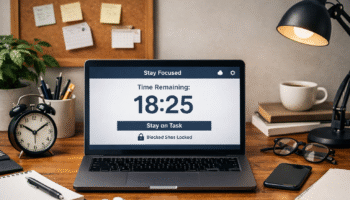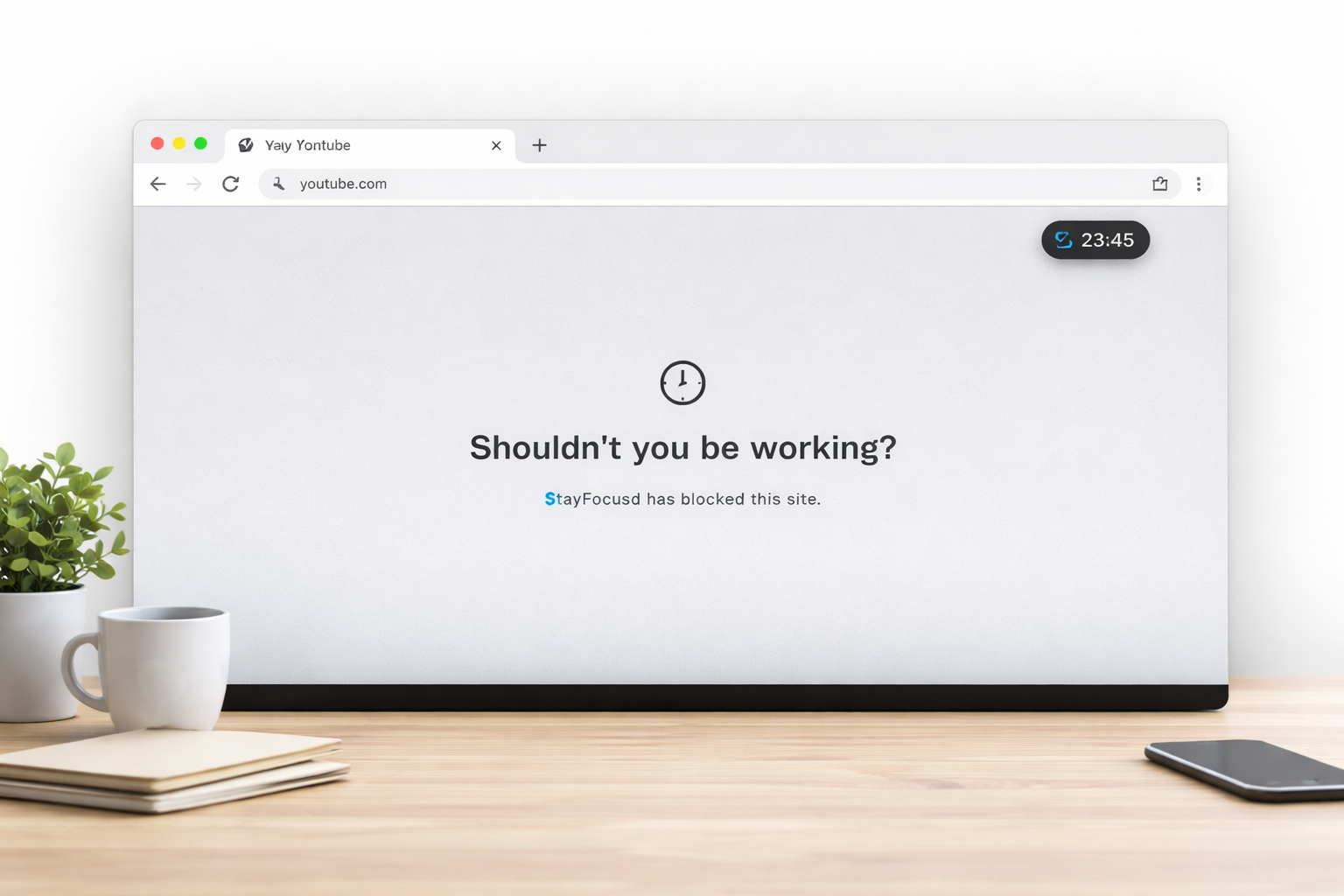
In a world where notifications, tabs, and digital distractions are constant, minimalists approach productivity differently. For them, focus is not about adding more tools or bells and whistles; it’s about stripping away the clutter and keeping the digital workspace as simple and intentional as possible.
Constant pings and alerts can fragment your attention and reduce productivity—if you’re struggling with this, check out our guide on Notification Overload Is Stealing Your Focus — Here’s How to Take It Back for strategies to reclaim your focus.
Choosing a focus extension should follow the same philosophy—lightweight, purposeful, and distraction-free.
Table of Contents
What Minimalists Need from Focus Tools
Minimalists prioritize calm, intentional workflows. They don’t want a dashboard full of analytics or hundreds of settings to tweak—they want simplicity that actually improves attention without introducing new stressors.
A focus extension for minimalists should ideally offer:
- Distraction blocking without excess: The tool should limit access to specific websites or apps without requiring constant monitoring or complex setup.
- Clear, unobtrusive interface: Minimalists value a clean browser or desktop, so focus tools should integrate without cluttering the screen.
- Time-based reminders, not nagging: Gentle nudges to stay on task work better than constant pop-ups or alerts.
- Customizable but simple controls: Flexibility is important, but options should be few, intuitive, and relevant to real-world productivity.
- Lightweight performance: Minimalists prefer tools that don’t slow down the system or drain resources.
In short, the ideal focus extension supports focus without being a distraction itself. A minimalist approach treats the tool as a quiet assistant, not a personal trainer shouting at you.
Why More Features Don’t Mean Better Focus
It’s tempting to think that a feature-rich extension—one with analytics, gamification, and deep reporting—will automatically improve your attention. But real-world use shows the opposite: complexity can create cognitive overload, leading to decision fatigue rather than improved focus.
Many popular focus extensions include:
- Extensive dashboards tracking every second of online activity
- Gamified streaks and badges
- Complex schedules and multiple blocking profiles
While these may feel productive, minimalists notice they often distract more than they help. Each extra feature requires attention, judgment, and energy, which defeats the purpose of a focus tool.
Instead, minimalist productivity emphasizes:
- Fewer decisions: Simple enable/disable toggles for site blocking reduce mental load.
- Intentional pauses: Subtle timers and reminders to return to work maintain focus without adding stress.
- Seamless workflow: The extension should blend into the browser or device environment instead of drawing attention to itself.
A minimalist knows that focus is a behavior, not a feature count. Even the most advanced dashboard cannot replace disciplined work habits and intentional environment design.
Popular Focus Extensions Compared
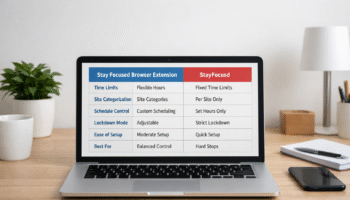
To illustrate, here’s a comparison of widely used focus extensions. The table highlights which features align with minimalist principles versus which may add unnecessary complexity.
For a broader overview of popular focus tools beyond the minimalist-friendly options, see our list of 5 Browser Extensions That Help You Focus (and One to Avoid).
| Extension | Minimalist-Friendly? | Key Features | Complexity Level | Best Use Case |
|---|---|---|---|---|
| StayFocusd | ✅ | Block specific sites, nuclear mode, time limits | Low | Simple site blocking with strong focus sessions |
| Forest | ⚠️ | Gamification, tree-growing, multiple devices | Medium | Users who enjoy visual motivation but can tolerate extra features |
| LeechBlock NG | ✅ | Advanced site blocking, schedules | Medium | Power users needing granular control without heavy dashboards |
| Freedom | ⚠️ | Multi-device blocking, scheduling, reports | High | Cross-platform focus but can be overkill for minimalists |
| Cold Turkey | ✅ | Scheduled blocks, freeze mode | Low | Offline focus sessions with minimal UI clutter |
From the table, it’s clear that the most minimalist-friendly tools are those that limit features while staying highly functional. StayFocusd, LeechBlock NG, and Cold Turkey all align with a simple, distraction-free philosophy. Features like gamification or analytics can feel rewarding initially but may slowly shift attention away from work.
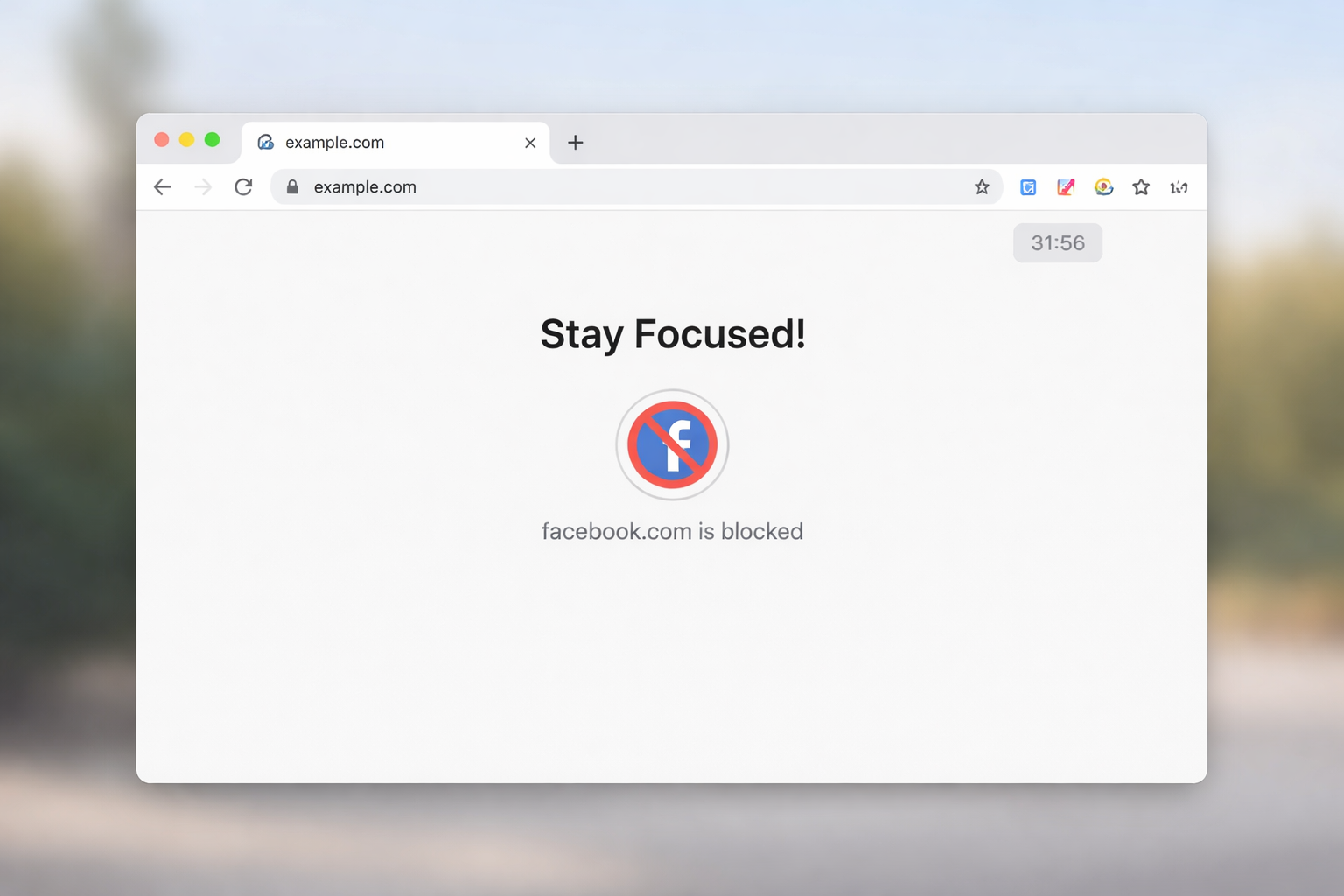
Here are the pros and cons of some widely used focus extensions, highlighting which align with minimalist principles and which may add unnecessary complexity.
| Extension | Pros | Cons | Fits Best For |
|---|---|---|---|
| StayFocusd | Lightweight, simple blocking, nuclear mode for strong focus | Limited cross-device sync | Users seeking a clean, no-frills focus tool |
| Forest | Visual motivation, gamification encourages engagement | Can be distracting, extra features add noise | Creative users who enjoy subtle rewards while working |
| LeechBlock NG | Flexible scheduling, granular blocking, no flashy UI | Setup can feel complex | Users wanting precise control without heavy dashboards |
| Freedom | Multi-device blocking, timed sessions, reports | Can feel overwhelming, subscription required | Professionals needing cross-platform focus but tolerating extra complexity |
| Cold Turkey | Simple freeze mode, scheduled blocks, offline functionality | Can be hard to override in emergencies | Workers needing strong, distraction-proof offline sessions |
Minimalists also benefit from understanding how feature overload can sneak in unnoticed. Even subtle options like “daily reports” or “achievement badges” create mental noise. While they seem harmless, each notification or visual cue can fragment attention, defeating the core purpose of a focus extension.
Honest Pros and Cons of Minimalist Tools
- StayFocusd: Simple, fast, effective—but lacks multi-device sync.
- Forest: Fun visual feedback, encourages habit building—but gamification may be distracting.
- LeechBlock NG: Powerful customization, blocks multiple sites—initial setup can be complex.
- Freedom: Cross-device and detailed scheduling—may feel heavy for minimalist users.
- Cold Turkey: Extremely strict blocking offline—can be frustrating if flexibility is needed.
To make the most of StayFocusd without feeling restricted or stressed, we recommend reading How to Use StayFocusd Effectively Without Burning Out for practical tips and setup strategies.
Who Each Extension Fits Best
- StayFocusd: Ideal for minimalists who want a quick, no-nonsense tool in Chrome.
- Forest: Great for creative users who respond to visual reinforcement.
- LeechBlock NG: Best for users who need tailored schedules but still value simplicity.
- Freedom: Suitable for professionals working across devices who don’t mind some complexity.
- Cold Turkey: Perfect for those seeking total, offline distraction-proof focus sessions.
If you’re considering alternative focus tools, our detailed analysis of the Stay Focused Extension: Features, Limits, and Who It’s Best For can help you decide whether it suits your minimalist workflow.
How to Avoid Tool Overload
Even minimal extensions can become distractions if mismanaged. To prevent “tool fatigue”:
- Start simple: Install one extension, configure it minimally, and track results.
- Ignore non-essential features: Turn off dashboards, badges, and notifications you don’t need.
- Time-limit extensions themselves: Don’t let focus tools dominate your attention.
- Regularly reassess: Ask if the tool is helping or adding friction; remove it if not.
- Pair with mindful habits: Breaks, environment design, and intentional workflows amplify tool effectiveness.
The key is to treat the extension as a supporting element, not the main driver of productivity.
Conclusion
So, are minimalist-friendly focus extensions safe and effective?
Here’s our final thoughts on the matter. When chosen thoughtfully, these tools can significantly improve attention, reduce digital clutter, and help you stay present in your tasks. The best extension isn’t the one with the most features—it’s the one that complements your workflow, respects your mental bandwidth, and supports sustained focus.
Minimalists thrive when focus tools remain subtle, supportive, and intentionally simple.
FAQ
1. Are focus extensions safe for personal data?
Yes, most reputable focus extensions use minimal permissions and don’t collect personal data. Always check privacy policies and avoid extensions requesting unnecessary access. Browser-based tools like StayFocusd and LeechBlock NG prioritize user privacy and don’t sync sensitive data by default.
2. Can I use multiple focus extensions at once?
You can, but it may lead to conflicts or cognitive overload. Minimalists usually benefit from one primary extension to maintain simplicity. If using multiple, ensure each serves a distinct purpose without duplicating features.
3. How do I choose the right focus extension?
Consider simplicity, lightweight performance, and your workflow. Test the extension for a week, observe productivity improvements, and remove features or tools that distract more than they help. Prioritize extensions that blend seamlessly into your browser.
4. Will focus extensions work across devices?
Some, like Freedom, support multiple devices, while others, like StayFocusd, are limited to a single browser. Choose based on whether you need cross-device consistency or just desktop focus. Multi-device features can be useful but may add complexity.
5. Do focus extensions replace discipline?
No. Extensions support focus but do not replace self-discipline. Minimalists use them to remove friction, but intentional workflows, environment design, and mindful work habits remain essential to sustained productivity.
6. Can focus extensions help with creative work?
Yes, especially those with subtle visual cues like Forest. However, avoid overly gamified tools that fragment attention. The goal is to enhance focus without introducing new distractions, allowing creativity to flow in a structured digital environment.
7. Are free focus extensions sufficient for minimalists?
Often, yes. Free tools like StayFocusd and LeechBlock NG provide core blocking functionality with minimal clutter. Paid tools may offer cross-device sync or advanced scheduling but aren’t essential for a minimalist workflow.
Further Reading
- Harvard Health – Staying Focused in the Era of Digital Distractions
Practical insights from Harvard Medical School on how digital alerts and smartphone use can break concentration and what strategies support sustained focus.
https://www.health.harvard.edu/staying-healthy/staying-focused-in-the-era-of-digital-distractions - Northern Illinois University – Digital Distractions Guide
An academic student success center’s guide to understanding and managing digital distractions with evidence‑based tips relevant to both students and remote workers.
https://www.niu.edu/academic-support/student-guides/digital-distractions.shtml - Princeton University – Digital Distraction & Attention
Princeton’s scholarly overview of attention in the age of digital technology and why it matters for learning and productivity.
https://www.princeton.edu/news/2019/04/11/liberation-attention-digital-distraction-princeton-pre-read - Brookings Institution – How to Measure and Regulate Attention Costs
Policy and research context from this U.S. think tank on how consumer tech captures attention and what broader frameworks exist to support focus and digital well‑being.
https://www.brookings.edu/articles/how-to-measure-and-regulate-the-attention-costs-of-consumer-technology/