Using browser extensions to improve productivity has become almost standard for remote workers. Yet, with every new extension comes a natural worry: “Is this safe?” For those of us juggling deadlines, Slack notifications, and endless browser tabs, the appeal of a tool like StayFocusd is clear—but so are the concerns. Questions about privacy, permissions, and data access often arise, especially for users who work with sensitive documents or personal accounts on the same device.
This article provides a grounded, experience-based look at StayFocusd, its permissions, and what it means for privacy-conscious users.
Understanding the security landscape of browser extensions is critical. Many productivity tools are helpful, but their safety depends not only on what they promise to do but also on what they can access behind the scenes.
With remote work norms evolving—frequent Zoom calls, cloud-based collaboration, and cross-device usage—choosing extensions that minimize exposure to sensitive data is no longer optional.
What permissions StayFocusd requires
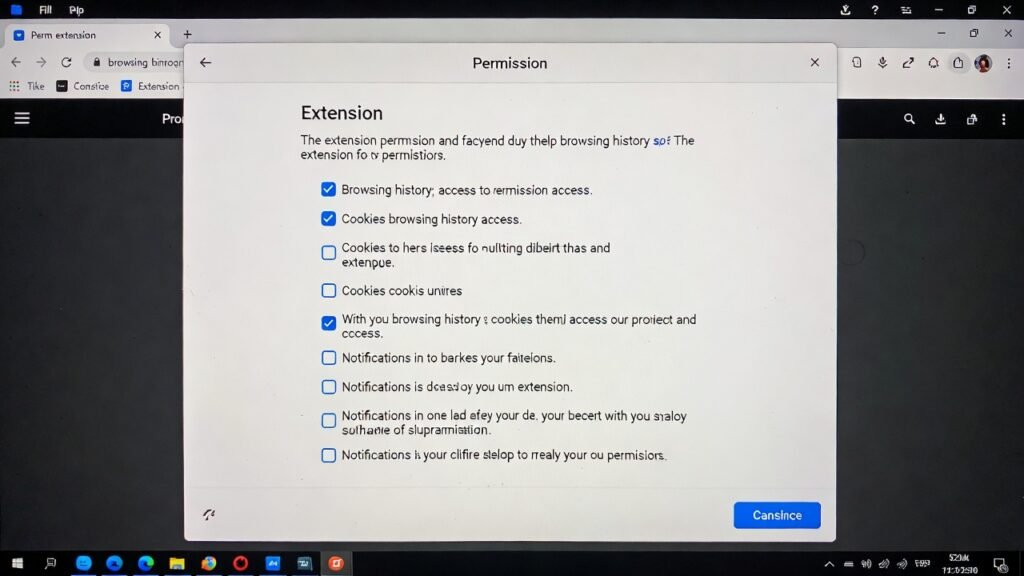
StayFocusd is designed to limit time spent on distracting websites, and its permission requests reflect that primary purpose. Before installation, users will notice that StayFocusd asks for the ability to:
- Read and change data on the websites you visit
- Access browser tabs and browsing activity
- Use local storage for settings and timers
Each of these permissions serves a functional goal. Reading and changing data allows StayFocusd to block or redirect sites that exceed your allowed time. Access to tabs and activity is necessary to track time across multiple pages or domains. Local storage ensures your limits, schedules, and settings persist between browser sessions without uploading them to the cloud.
From a privacy-conscious perspective, these permissions can feel intrusive—but they are typical for productivity blockers. The key point is that StayFocusd operates locally; it does not send your browsing history to a third-party server. All processing occurs on your device, which significantly reduces exposure compared to tools that sync data across multiple devices via the cloud.
What data focus extensions can access
Many users assume that productivity extensions are limited to timers and site lists. In reality, extensions can potentially access more than we initially think. While StayFocusd itself is lightweight and privacy-focused, browser extensions in general may be able to:
- Track your browsing activity on all websites, including URLs visited and time spent.
- Modify content on pages you open, such as inserting reminders or blocking elements.
- Read page content if configured with permissions, which some extensions misuse.
For most users, these capabilities are not dangerous if the extension is trustworthy and maintained by reputable developers. The concern arises with poorly maintained, abandoned, or malicious extensions that exploit these permissions for ad tracking, analytics, or data harvesting. In other words, the “risk” is contextual: it depends on the extension’s design, transparency, and maintenance history.
Privacy-conscious remote workers often adopt several strategies to mitigate risk:
- Using a dedicated browser profile for productivity extensions, separate from accounts with sensitive information.
- Limiting the number of installed extensions to reduce the overall attack surface.
- Regularly reviewing permissions in the browser settings to ensure nothing has changed unexpectedly.
Perceived vs actual risks of using StayFocusd
To clarify the real safety picture, it’s helpful to compare what users often fear versus what is true based on the extension’s design and operation.
| Perceived Risk | Actual Risk | Notes |
|---|---|---|
| Browsing history is sent to third parties | Very low | StayFocusd operates locally; no external servers are involved |
| Sensitive data exposure (passwords, emails) | Low | Extension cannot access browser password manager or secure form entries |
| Malicious code execution | Low if official source | Always install from the Chrome Web Store and avoid unofficial forks |
| Excessive tracking of user habits | Minimal | Only tracks time on designated sites for blocking purposes |
| Browser performance slowdown | Moderate | Can slightly affect tab load time, especially with many active tabs |
This table shows that while StayFocusd requires permissions that sound broad, the actual risks are limited when used responsibly. Understanding this distinction is crucial for maintaining both security and peace of mind in a digital work environment.
Realistic examples of privacy-conscious users
Consider Maria, a freelance designer who works with confidential client files and often logs into multiple cloud platforms. She installed StayFocusd on a separate Chrome profile dedicated to focus tools, keeping her main profile free of extra extensions. This setup allowed her to block distracting sites during work hours without risking access to sensitive client documents.
Similarly, Jamal, a remote software developer, combines StayFocusd with a VPN and strong browser privacy settings. He appreciates that StayFocusd does not sync browsing history externally, so even if his VPN logs are being monitored for security, his productivity patterns remain private.
In both examples, privacy isn’t compromised because the users actively manage their browser environment and understand the scope of the extension’s permissions. For remote workers today, this kind of cautious setup balances focus gains with minimal exposure.
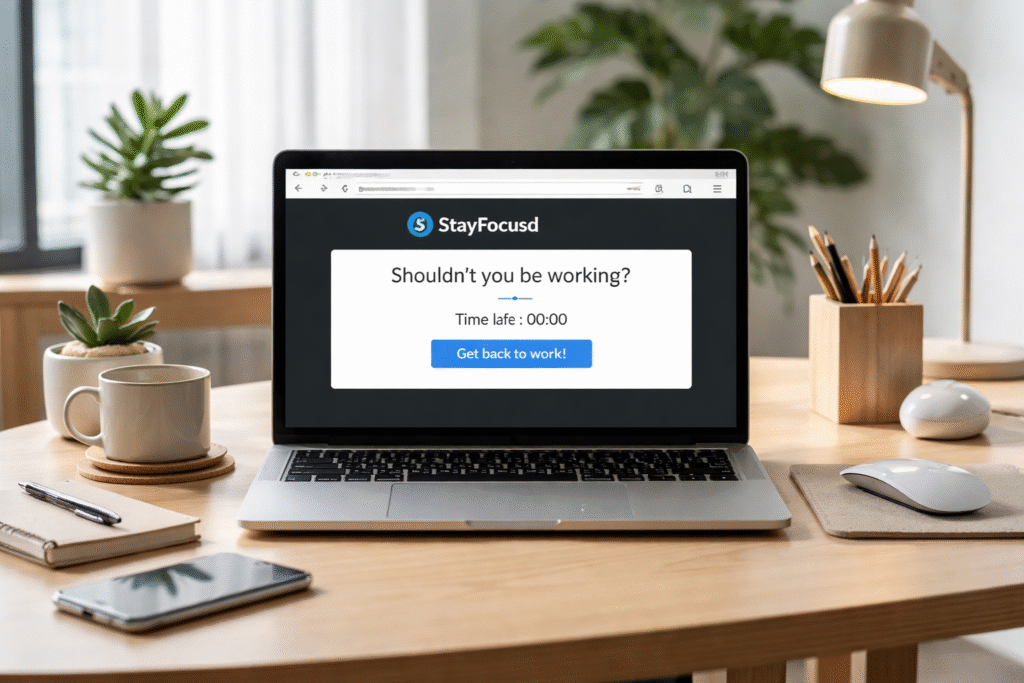
How to evaluate extension safety independently
Even with reputable extensions like StayFocusd, it’s wise to verify safety on your own. Start by checking the official browser store page for reviews, update history, and developer information. Extensions that receive frequent updates and have transparent change logs are generally safer.
Next, review the permissions list carefully. Ask yourself whether each permission aligns with the extension’s core function. For instance, StayFocusd needs access to browser tabs and page URLs to block distracting sites, but it does not require access to passwords or payment information.
Another approach is using test accounts or profiles. Installing the extension on a separate browser profile helps you observe behavior without exposing sensitive accounts. You can monitor for unexpected redirects, pop-ups, or unusual network requests.
Finally, check trusted security forums or publications. Researchers and tech institutions often post assessments of widely used extensions. Being proactive in this way helps you separate perception from actual risk.
Common misconceptions about browser permissions
Many users fear that any permission request is a sign of potential spying. In reality, permissions often exist simply to enable the extension’s functionality. Common misunderstandings include:
- “It can see everything I type.” Permissions allow reading page content for blocking purposes, not logging keystrokes in forms or password fields.
- “It tracks my browsing history externally.” StayFocusd operates locally; it does not upload your activity to third parties.
- “Extensions are inherently dangerous.” Most risks come from unmaintained or malicious extensions, not trusted productivity tools.
Understanding these distinctions reduces anxiety and helps you make informed choices while using browser-based focus tools.
Best practices for using focus extensions safely
Privacy-conscious users often follow several best practices to maximize safety while maintaining productivity:
- Use separate browser profiles for work and focus extensions to isolate sensitive data.
- Limit the number of installed extensions, reducing potential exposure and performance overhead.
- Review permissions periodically to ensure no unexpected changes occur after updates.
- Install only from official sources like the Chrome Web Store and avoid unofficial forks.
- Combine with digital hygiene measures such as strong passwords, ad-blockers, and VPNs if desired.
By integrating these practices, remote workers can enjoy the focus benefits of StayFocusd while minimizing privacy concerns.
Conclusion
So, is StayFocusd safe? Here’s our final assessment on its privacy, permissions, and overall security.
Based on careful evaluation, StayFocusd is safe for most users when installed from official sources and used responsibly. Its permissions support the core functionality of blocking distracting sites, and all processing occurs locally on your device.
Privacy-conscious remote workers can further reduce risk by using separate profiles, reviewing permissions, and pairing the extension with basic digital hygiene measures. Misconceptions about browser permissions often exaggerate danger, but understanding the context helps users make confident, informed decisions. StayFocusd, when applied thoughtfully, offers productivity benefits without compromising trust or security.
FAQ Section
Is StayFocusd safe for sensitive work accounts?
Yes. StayFocusd operates locally and does not access stored passwords or private form data. Using separate browser profiles for sensitive accounts further reduces any risk, keeping client data or work documents isolated from the extension’s functionality.
Can StayFocusd access my browsing history?
Technically, it reads URLs to enforce time limits, but this data stays on your device. The extension does not upload your browsing activity to external servers, which limits exposure to third parties.
Does StayFocusd slow down my browser?
Slight performance impact may occur with many tabs open or multiple active extensions, but for typical usage, any slowdown is minimal and often unnoticeable during normal browsing.
How do I know if an extension is trustworthy?
Check the official store page, developer reputation, reviews, and update history. Frequent updates and transparent changelogs indicate active maintenance and reliability, which are key markers of trustworthiness.
Can StayFocusd be misused to spy on users?
Not when downloaded from official sources. While extensions can technically read page content if malicious, StayFocusd’s open-source-like behavior and local operation reduce this risk significantly. Always avoid unofficial versions.
Should I uninstall StayFocusd after a project?
Not necessarily. Many users keep it installed but adjust strictness or schedules according to workflow. Using separate profiles or toggling the “Nuclear Option” only during focus periods helps maintain flexibility while staying secure.
Helpful Resources
- Google Chrome Security Guidelines ⇒ https://developer.chrome.com/docs/extensions/mv3/security/
- Security Best Practices for Browser Extensions – Vanderbilt University Office of Cybersecurity ⇒ https://www.vanderbilt.edu/cybersecurity/guidelines/browser-extensions/