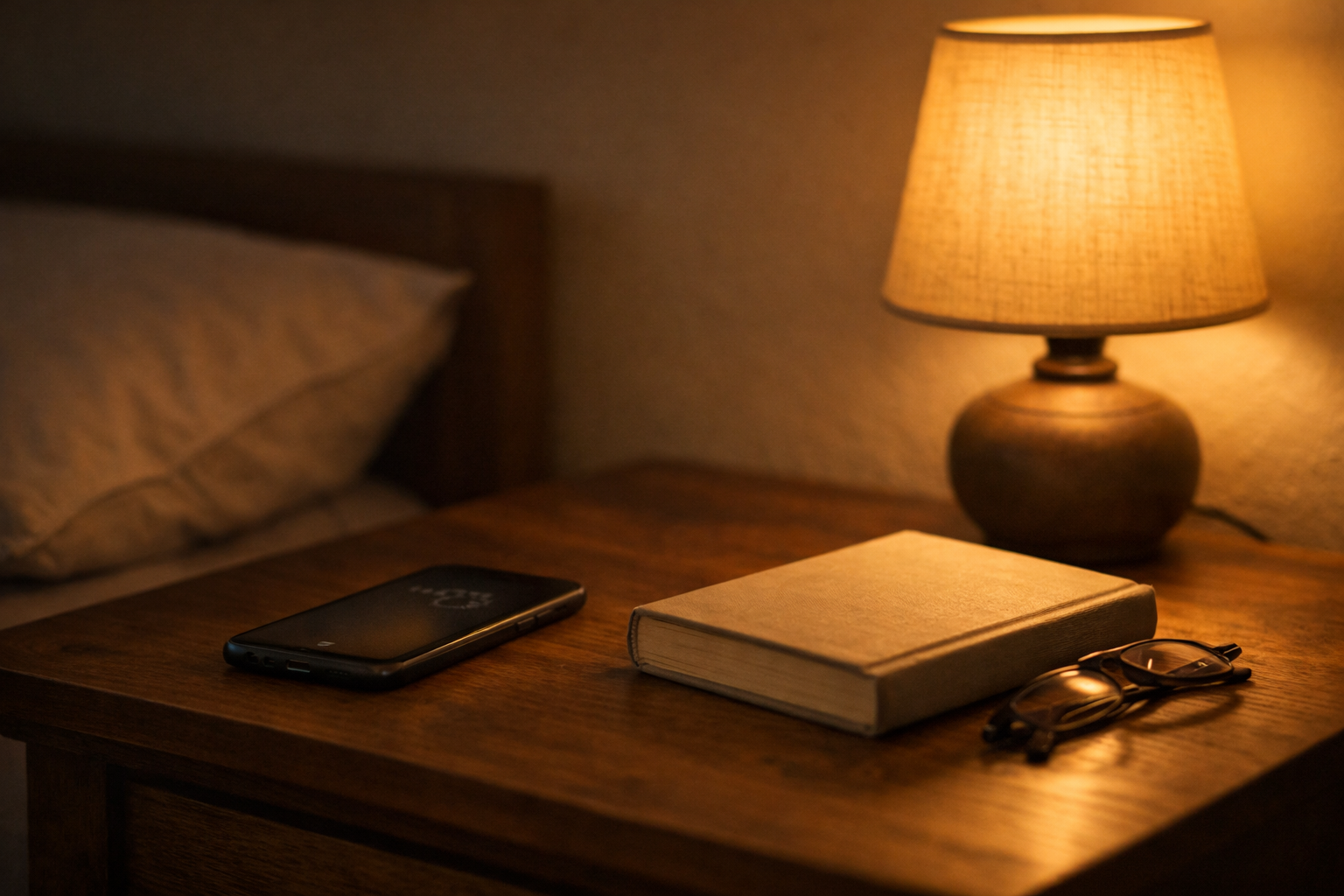
Why does scrolling make me sleepy? If you’ve ever lain in bed after a long day, phone in hand, flicking through social media or short videos until your eyes start to droop, you know the feeling. At first, it seems engaging, even entertaining, but gradually, your focus drifts and your body signals it’s time for rest. This common experience isn’t just coincidence—our brain chemistry, circadian rhythms, and cognitive fatigue all play a role in why scrolling often leads to drowsiness, even when we aren’t consciously tired.
Understanding why scrolling makes you sleepy can help you manage your digital habits without giving up your favorite apps.
Table of Contents
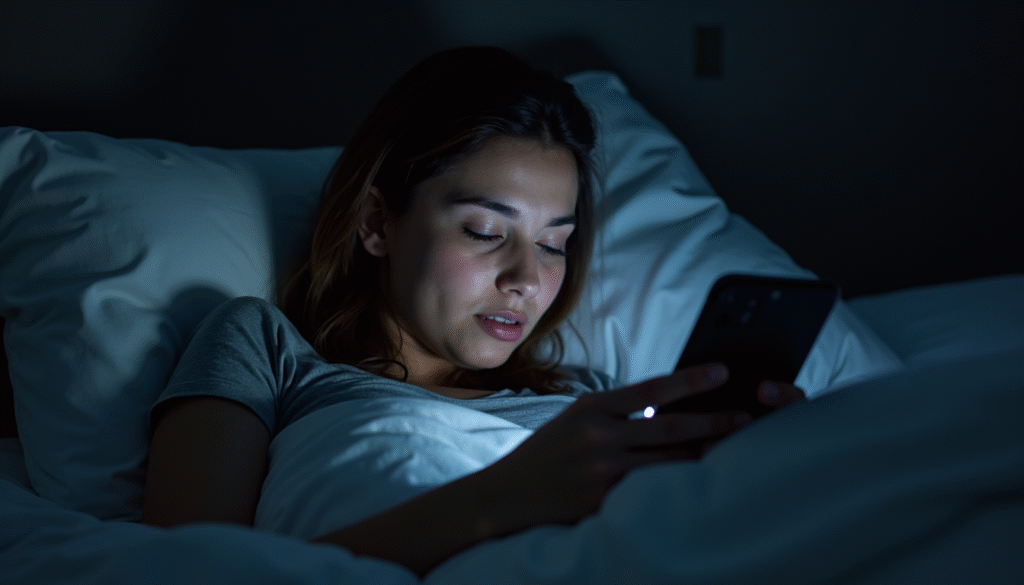
Why scrolling triggers sleepiness
Scrolling triggers sleepiness for multiple overlapping reasons. One key factor is how our brain responds to low-effort, repetitive visual input. Unlike a conversation or an active task, passive scrolling doesn’t demand focused attention.
Your brain enters a lower-arousal state, which, especially late at night, encourages drowsiness.
- Dopamine and micro-rewards: Every new post, video, or notification gives a small hit of dopamine, your brain’s reward chemical. These micro-rewards are stimulating at first but become less activating over time. Once novelty diminishes, your nervous system signals a drop in alertness.
- Blue light interference and melatonin suppression: Screens emit blue light, which can delay the production of melatonin, the hormone that helps regulate sleep. However, if your brain has already been active all day, this suppression can paradoxically blend with mental fatigue, making your body crave rest even while your mind is semi-stimulated.
- Cognitive lull from predictability: Endless scrolling is predictable. When your brain recognizes a repetitive pattern without a need for problem-solving, it reduces arousal. This is why even exciting content can feel “sleepy” if the consumption is passive.
Essentially, scrolling can create a unique combination of overstimulation and under-engagement, which primes the body for sleep even before you plan to rest.
How boredom, stimulation, and fatigue overlap
Understanding why scrolling makes you sleepy requires unpacking three intertwined factors: boredom, stimulation, and fatigue. At first glance, boredom and stimulation seem opposite, yet in digital scrolling, they often coexist.
- Boredom: Despite the constant influx of content, passive scrolling lacks meaningful engagement. Your brain is exposed to multiple stimuli but isn’t deeply processing any of them. This shallow processing can induce mental fatigue.
- Stimulation: Oddly, the quick hits of novelty—like a funny video or a trending post—activate your reward pathways. These micro-activations are not sustained enough to keep you alert. Over time, they create a fatigue loop where your brain craves more stimulation but can’t achieve it, enhancing drowsiness.
- Fatigue: Mental depletion from the day, combined with the low-effort engagement of scrolling, amplifies the sleepiness signal. Your brain is already managing a backlog of decisions, messages, and sensory inputs. Passive scrolling doesn’t add meaningful activity, so your body interprets it as downtime and prepares for rest.
In real-world scenarios, this explains why someone might scroll for an hour after work, feeling initially alert, then suddenly realize their eyes are drooping. The brain is balancing mild stimulation with accumulated fatigue, and the latter often wins.
Circadian rhythms, cognitive overload, and mental depletion
Sleepiness from scrolling is further influenced by natural circadian rhythms. Your body has an internal clock that regulates sleep-wake cycles, core temperature, and hormone levels. Typically, late evening signals rising melatonin levels, lower core temperature, and slower brain waves—conditions primed for sleep.
- Circadian alignment: Scrolling late at night coincides with the natural decline in alertness, making the brain more sensitive to low-effort tasks. Even moderate content can trigger drowsiness because your body is already physiologically inclined toward rest.
- Cognitive overload: Throughout the day, your prefrontal cortex—the decision-making and attention hub—accumulates cognitive load. By evening, this brain region is taxed, and passive scrolling doesn’t engage it meaningfully. This mismatch between overstimulated circuits and low engagement contributes to mental depletion.
- Mental depletion: When executive functions are tired, simple activities like scrolling suddenly feel hypnotic. Your body and brain are signaling that rest is needed, which manifests as sleepiness even if your mind still wants entertainment.
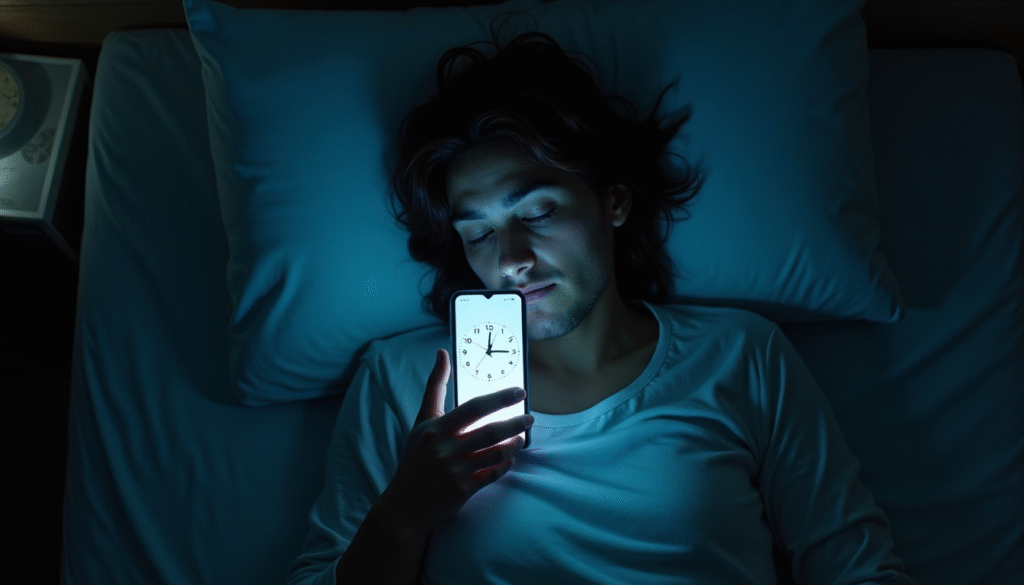
Passive consumption vs. active engagement
A crucial distinction in digital well-being is passive versus active engagement. Not all scrolling is equal—what you do on your phone determines whether you feel energized or drowsy.
| Activity Type | Description | Brain Response |
|---|---|---|
| Passive Consumption | Mindlessly scrolling feeds, watching short clips | Low cognitive load, dopamine micro-rewards, triggers drowsiness |
| Active Engagement | Writing comments, chatting with friends, creating posts | High cognitive load, sustained attention, maintains alertness |
| Mixed Engagement | Quick skimming with occasional interaction | Moderate alertness, may feel intermittently sleepy |
This table shows that the sleepiness effect is strongest during passive consumption. The brain is “tricked” into rest mode because it receives just enough input to stay semi-alert but not enough to remain cognitively engaged.
Realistic late-night scrolling scenarios
Consider common late-night situations that illustrate why scrolling makes people sleepy:
- Scenario 1: You’re in bed after a long day of remote work, scrolling Instagram Reels. Your attention drifts from post to post, your eyes blur, and you find yourself nodding off mid-scroll.
- Scenario 2: Waiting for a delayed online meeting, you open Twitter on your laptop. After half an hour of shallow reading, your mind feels fuzzy, and you struggle to refocus.
- Scenario 3: A weekend night, lying on the couch, you swipe through TikTok for entertainment. Initially amused, you suddenly realize an hour has passed, and your head is heavy, signaling that passive consumption has merged with your body’s natural circadian rest signals.
All these examples highlight how modern scrolling habits interact with physiological and cognitive processes. The combination of late-night timing, low-effort engagement, and accumulated mental fatigue makes sleepiness almost inevitable.
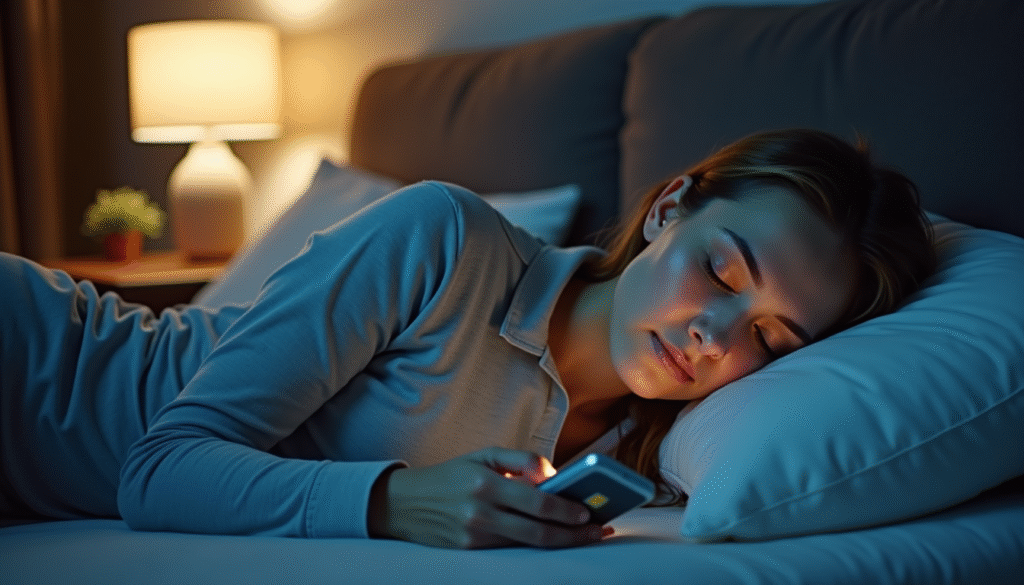
Why scrolling can feel sedating without being restful
Scrolling often mimics the sensations of rest without providing true recovery for the brain or body. Passive scrolling sedates your nervous system by lowering alertness, yet it doesn’t allow the brain to engage in the restorative cycles of natural sleep. You may feel calm and drowsy, but this calm is superficial; your cognitive circuits remain partially active, processing images, text, and notifications even as your body drifts toward sleep.
- False relaxation: The comfort of familiar apps can trick the mind into thinking it’s “unwinding,” but cognitive and emotional processing hasn’t slowed enough to count as restorative rest.
- Delayed sleep onset: Even when sleepy, prolonged scrolling can subtly push bedtime later, shortening total sleep time and fragmenting sleep cycles.
- Energy plateau: The temporary dopamine boosts from new content can maintain low-level alertness, making you feel “sedated but wired,” a subtle mismatch between body and brain readiness for sleep.
How sleepiness from scrolling impacts sleep quality
Sleepiness induced by scrolling can interfere with deep, restorative sleep in several ways:
- Sleep fragmentation: Even mild engagement before bed may prevent entry into the deepest stages of non-REM sleep, reducing overall sleep quality.
- Delayed REM cycles: Late-night screen exposure can shift circadian timing slightly, causing REM sleep, critical for memory and emotional regulation, to start later.
- Morning grogginess: Falling asleep mid-scroll might reduce total sleep duration, leaving residual fatigue the next day, even if it “felt relaxing” at the moment.
Understanding these subtle impacts helps differentiate between passive sedation and genuine rest, emphasizing the importance of pre-sleep routines that support both alertness winding down and circadian alignment.
Healthier pre-sleep alternatives that still feel comforting
Not all pre-sleep relaxation requires screens. Some alternatives provide comfort, reduce stress, and maintain a sense of routine while promoting restorative sleep:
- Reading a physical book or e-ink device: Gentle mental engagement without blue-light interference.
- Gentle stretching or yoga: Reduces tension, signals parasympathetic nervous system activation, and prepares the body for rest.
- Mindful breathing or meditation: One to five minutes can lower heart rate and prepare the mind for sleep without passive scrolling.
- Journaling or gratitude lists: Provides a reflective, calming activity that helps offload mental clutter.
- Soothing music or ambient sounds: Lowers arousal and encourages natural sleep readiness while still offering sensory comfort.
These practices maintain a sense of evening ritual without the cognitive ambiguity that scrolling creates, helping your mind transition smoothly into restorative sleep.
Common misconceptions about screens and tiredness
Modern life encourages some myths about scrolling and sleepiness that can confuse well-intentioned digital habits:
- “Scrolling is harmless if I feel sleepy.” Feeling drowsy does not equal restorative rest; you may still disrupt sleep cycles.
- “Blue light is the only reason screens affect sleep.” Cognitive arousal, emotional engagement, and attention fragmentation are equally important factors.
- “I need social media to relax.” Comfort can come from structured, mindful, low-stimulation activities just as effectively.
- “Short sessions don’t matter.” Even brief scrolling before bed can subtly shift circadian signals and reduce sleep efficiency over time.
Recognizing these misconceptions allows for intentional, healthier evening routines rather than passive assumptions about screen habits.
Conclusion
Late-night scrolling is a modern, relatable experience that blends mild stimulation with natural fatigue. While it can feel soothing, it often sedates without truly resting the brain, subtly impacting sleep quality. By understanding the mechanisms behind scrolling-induced sleepiness—circadian rhythms, cognitive load, and passive engagement—you can cultivate pre-sleep routines that are both comforting and restorative.
Gentle alternatives, mindfulness, and awareness of digital habits help preserve energy, clarity, and the deep rest your body and brain truly need.
FAQ
1. Why does scrolling make me feel sleepy even if I’m not tired?
Even without overt fatigue, passive scrolling reduces cognitive engagement, lowers alertness, and triggers a false sense of relaxation. Your brain receives low-level stimulation while your nervous system naturally aligns with circadian signals, creating drowsiness without actual restorative rest.
2. Can scrolling before bed harm my sleep?
Yes, it can. Even light, late-night scrolling can delay melatonin release, shift circadian timing, and fragment sleep cycles. The resulting sleep may feel lighter or less restorative, leaving you groggy in the morning.
3. Is scrolling the same as relaxing?
Not exactly. Scrolling can mimic relaxation by sedating the nervous system, but it doesn’t allow the cognitive and emotional processes needed for deep rest. True relaxation involves reduced mental activity and parasympathetic activation.
4. How can I reduce sleepiness from scrolling without deleting apps?
Set boundaries such as turning on blue-light filters, enabling bedtime reminders, using “low stimulation” content, or limiting scrolling to short, mindful periods. Pairing these with non-screen pre-sleep rituals can maintain balance.
5. Are there healthy alternatives to scrolling at night?
Yes. Reading, journaling, gentle stretching, meditation, or listening to calming music can all provide comfort and routine without the cognitive ambiguity of scrolling. These activities support natural sleep rhythms more effectively.
6. Why do some people feel energized while scrolling?
Active engagement—commenting, messaging, or content creation—keeps cognitive circuits active, producing alertness instead of drowsiness. Energy levels depend on interaction type, time of day, and cumulative fatigue.
7. Does late-night scrolling affect long-term sleep health?
Frequent late-night scrolling may subtly shift circadian patterns, reduce sleep efficiency, and increase daytime fatigue over time. Mindful management ensures occasional scrolling doesn’t interfere with long-term sleep quality.
Helpful Resources
- National Sleep Foundation – https://www.sleepfoundation.org
- Harvard Medical School, Division of Sleep Medicine – https://healthysleep.med.harvard.edu
- Journal of Sleep Research, “Impact of Screen Use on Sleep Quality,” 2025
- National Institutes of Health, National Institute of Neurological Disorders and Stroke – https://www.ninds.nih.gov