
Does Scrolling on Your Phone Really Make You Tired? What Science Says
It usually starts innocently. You pick up your phone to check one message, scroll through a few posts, maybe watch a short video—and before you realize it, 20 minutes have passed. Instead of feeling relaxed, you feel oddly drained. Your eyes feel heavy, your mind feels foggy, and sometimes you’re even sleepier than before you started.
If you’ve ever wondered why you feel tired after scrolling on your phone, you’re not imagining it. Many people describe the same experience: scrolling feels effortless in the moment, yet leaves them mentally exhausted afterward.
This isn’t about willpower or “using your phone too much.” There are real, science-backed reasons why scrolling can make you tired and even sleepy. In this article, we’ll explore what actually happens in your brain when you scroll, why it creates a unique kind of fatigue, and why it often feels relaxing even when it isn’t.
Table of Contents
Is Scrolling on Your Phone Really Fatiguing?
Short answer: yes.
Scrolling on your phone can absolutely make you tired, even if you’re sitting still and doing nothing “physically demanding.” The fatigue comes from mental load, not muscle use. Every swipe, pause, and glance requires your brain to process information, make tiny decisions, and shift attention.
Unlike focused activities—such as reading a single article or working on one task—scrolling exposes your brain to a constant stream of unrelated content. That steady demand on attention adds up quickly, leading to what many people experience as scrolling fatigue or phone scrolling exhaustion.
To understand why this happens, we need to look at how your brain reacts to endless digital input.
The Science Behind Scrolling Fatigue
Cognitive Overload and Attention Fragmentation
Your brain is excellent at focusing on one thing at a time. Scrolling works against that strength.
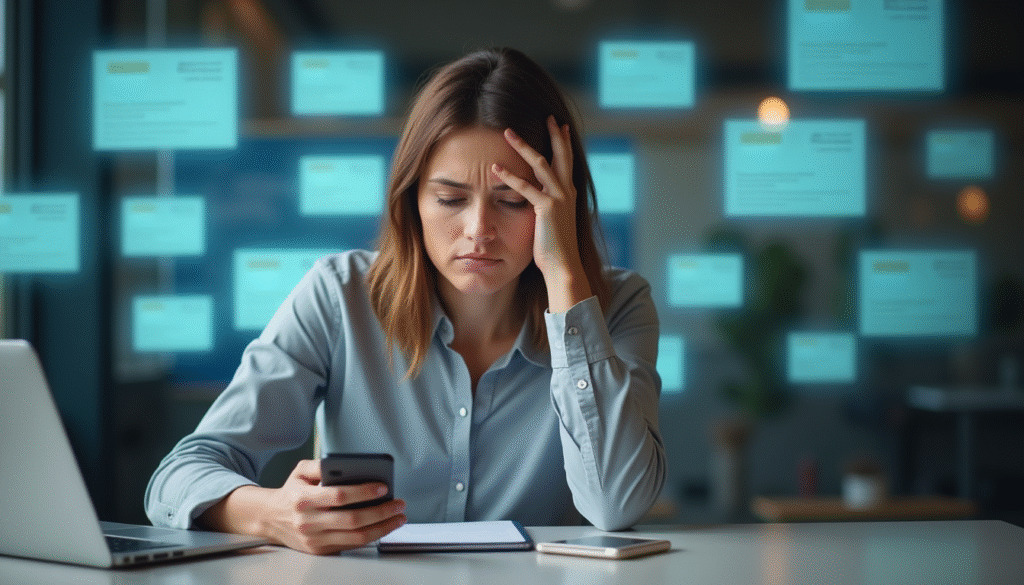
When you scroll through a feed, you’re exposed to dozens—or hundreds—of pieces of content in rapid succession: headlines, images, videos, comments, notifications. Each one asks your brain a small question: Is this interesting? Should I stop? Should I keep going?
These constant micro-decisions create cognitive overload. Even though each decision feels trivial, the accumulation strains your attention system. Instead of settling into a stable focus, your mind keeps switching contexts—news to humor, work-related content to personal updates, serious to trivial.
This attention fragmentation forces your brain to work continuously without reaching a satisfying sense of completion. Over time, that effort shows up as mental tiredness, reduced clarity, and difficulty concentrating after you put the phone down.
Dopamine Loops and Mental Exhaustion
Scrolling is also powered by a reward system in your brain.
Each new post carries the possibility of something interesting, amusing, or emotionally engaging. This unpredictability triggers dopamine—a chemical associated with motivation and anticipation. Importantly, dopamine doesn’t mean pleasure; it means seeking.
The problem is that this creates a loop of stimulation without resolution. Your brain stays alert, scanning for the next rewarding moment, but rarely gets a signal to stop. This constant state of low-level anticipation keeps your mind engaged but never satisfied.
That’s why scrolling can feel absorbing while you’re doing it, yet leave you mentally exhausted afterward. Stimulation keeps the brain active, but activity is not the same as restoration. Over time, this contributes to digital fatigue rather than relaxation.
Blue Light, Sleepiness, and Circadian Disruption
Many people ask, “Why does scrolling make me sleepy, especially at night?” Part of the answer lies in light exposure.
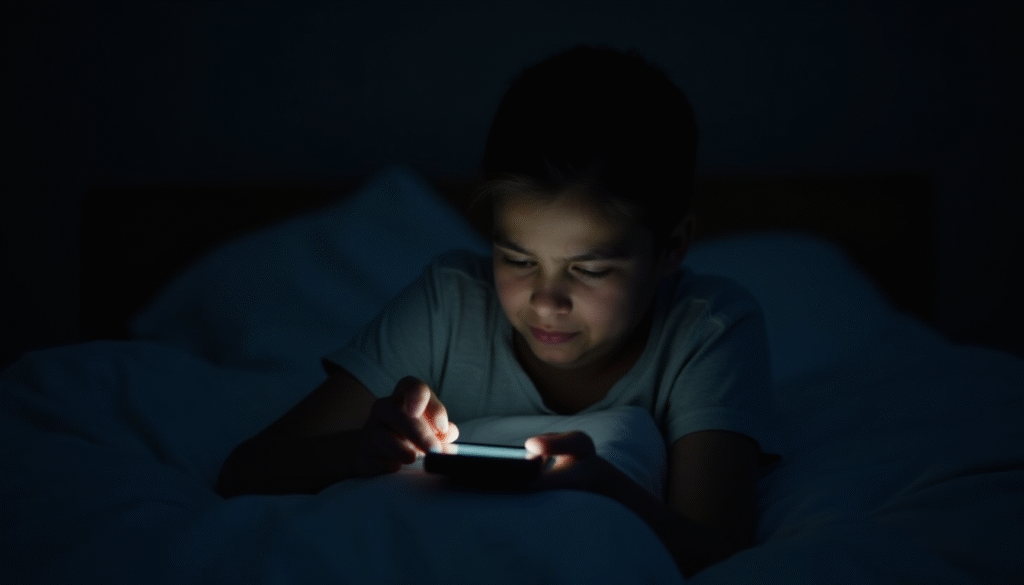
Phone screens emit blue light, which plays a role in regulating your circadian rhythm—your internal clock that helps determine when you feel alert or sleepy. Exposure to bright screens in the evening can confuse that rhythm, making your body less certain about when to wind down.
At the same time, the mental stimulation of scrolling keeps your brain active even as your body is trying to rest. This mismatch can create a strange combination: mental fatigue paired with difficulty fully relaxing. The result often feels like heaviness, eye strain, or that foggy, half-awake state many people associate with screen fatigue.
Passive Consumption vs Active Engagement
Not all screen time affects the brain in the same way.
Activities like writing, reading a long article, or working on a focused task engage your brain actively and coherently. Scrolling, on the other hand, is largely passive consumption. You’re absorbing information without directing it, organizing it, or using it toward a goal.
Passive consumption requires sustained attention but offers little sense of progress or closure. Your brain keeps processing without producing anything in return. That imbalance—high input, low output—can be surprisingly draining.
This is one reason people often feel more tired after scrolling than after doing something that requires effort, like writing or problem-solving. Engagement with purpose can be energizing; endless intake without structure often is not.
Why Scrolling Feels Relaxing — But Isn’t
If scrolling is so tiring, why does it feel relaxing in the moment?
The answer lies in perceived effort. Scrolling requires very little physical or emotional commitment. There’s no responsibility, no clear goal, and no risk of failure. Compared to demanding work tasks, it feels easy—and easy often feels like rest.
But mental recovery requires more than low effort. True rest allows the brain to settle, slow down, and regain balance. Scrolling does the opposite: it keeps your attention engaged, your reward system active, and your senses stimulated.
This is why bedtime scrolling often backfires. You may reach for your phone to unwind, only to feel more tired and less refreshed. The same happens during work breaks—what feels like a pause can actually prolong mental strain.
Understanding this mismatch between feeling relaxed and actually recovering is key to understanding why scrolling fatigue is so common—and why it’s becoming an everyday experience for so many people.
Signs You’re Experiencing Scrolling Fatigue
Scrolling fatigue doesn’t always show up as obvious exhaustion. More often, it appears as subtle mental and emotional signals that are easy to overlook—especially because they’ve become so common.
Here are some of the most frequent signs of phone scrolling exhaustion, and why they happen:
- Feeling sleepy but restless
You may notice that scrolling makes you feel drowsy, yet when you put your phone down, real rest doesn’t come easily. This happens because your brain is mentally overstimulated while your body is inactive. The result is a tired-but-wired state that feels confusing and unsatisfying. - Eye strain or mental heaviness
Screen fatigue often shows up as heavy eyes, blurred focus, or a pressure-like feeling in your head. This isn’t just about screen brightness—it’s also the result of sustained attention and rapid visual changes that don’t give your brain time to settle. - Reduced focus after scrolling
Many people notice that after a scrolling session, it’s harder to concentrate on meaningful tasks. Your attention system has been stretched thin by constant context switching, making focused thinking feel unusually difficult. - Emotional numbness or irritability
Endless exposure to mixed emotional content—humor, conflict, bad news, comparison—can flatten emotional responses or make you more easily irritated. This is a common but under-discussed aspect of digital fatigue.
Individually, these signs might seem minor. Together, they point to a pattern where scrolling quietly drains mental energy instead of restoring it.
Why Scrolling Is More Exhausting Than Other Screen Activities
It’s tempting to assume that all screen time affects the brain in similar ways. In reality, scrolling stands out as uniquely draining when compared to other digital activities.
Reading long-form content, for example, usually involves sustained attention in one direction. Even when it requires effort, your brain can settle into a rhythm. There’s a sense of progression—from beginning to end—that helps reduce cognitive strain.
Writing or creating content engages your brain actively. While it may feel demanding, it often produces clarity rather than fatigue. Creating requires focus, but it also provides feedback and meaning, which can be mentally energizing.
Focused work—even when challenging—typically has boundaries. There’s a task, an objective, and a stopping point. These elements help the brain organize effort and recover afterward.
Scrolling lacks all of these stabilizing features. There’s no clear goal, no natural endpoint, and no consistent theme. Your brain remains alert without knowing when to disengage. This constant state of low-level vigilance is what makes scrolling fatigue so different from other forms of screen use.
In short, scrolling demands attention without offering structure—and that imbalance is what makes it especially exhausting.
How to Reduce Scrolling Fatigue Without Quitting Your Phone
Reducing scrolling fatigue doesn’t require giving up your phone or disconnecting from the digital world. Small, intentional shifts in how you use your device can significantly lower mental strain.
Shift from Endless Scrolling to Intentional Use
One of the simplest changes is moving from automatic scrolling to purposeful use. Before opening an app, pause briefly and ask yourself what you’re actually looking for—information, connection, relaxation.
Intentional use gives your brain a frame. Even a loose purpose helps reduce the cognitive overload that comes from wandering endlessly through content.
Create Gentle Boundaries (Time, Place, Purpose)
Boundaries don’t have to be rigid to be effective. Simple contextual limits—such as avoiding scrolling in bed or during meals—can reduce screen fatigue without feeling restrictive.
Time-based boundaries can also help, but they work best when paired with awareness rather than strict enforcement. The goal isn’t control; it’s clarity about when scrolling serves you and when it doesn’t.
Replace Passive Scrolling with Low-Effort Creation
Passive consumption is one of the biggest contributors to phone scrolling exhaustion. Replacing some scrolling time with low-effort creation—such as writing a short note, organizing thoughts, or capturing ideas—can shift your brain from intake to expression.
Creation doesn’t have to be productive or public. Even small acts of expression give your mind a sense of closure that scrolling rarely provides.
Design a Scroll-Free Wind-Down Routine
Many people ask why scrolling makes them sleepy yet restless at night. A scroll-free wind-down period—even 20 to 30 minutes—can help your brain transition more naturally toward rest.
This doesn’t mean avoiding screens entirely. It simply means choosing activities that are slower, quieter, and less stimulating than endless feeds.
A Mindful Technology Perspective
At its core, scrolling fatigue isn’t about technology being “bad.” It’s about how modern digital tools interact with human attention.
A mindful technology approach focuses on awareness rather than restriction. Instead of asking how to eliminate screens, it asks how to use them in ways that respect mental limits and support focus.
Digital minimalism, when applied gently, encourages choosing tools and behaviors that align with your values—whether that’s clarity, creativity, or calm. It’s less about doing less for the sake of it, and more about making space for what matters.
This perspective aligns with the broader philosophy at mindfultechwork.com: technology should support thoughtful work and meaningful rest, not quietly undermine them.
Conclusion
If scrolling leaves you feeling tired, foggy, or strangely drained, there’s a reason. Scrolling fatigue is a natural response to constant stimulation, fragmented attention, and passive consumption.
The good news is that you don’t need drastic changes to feel better. By noticing how scrolling affects you, experimenting with small adjustments, and choosing more intentional digital habits, you can reduce digital fatigue without disconnecting from the world.
There’s no perfect way to use technology—only ways that work better for you.
If you’d like to explore this topic further, you may find it helpful to read our deeper dive on scrolling fatigue, our guides on digital minimalism, or our reviews of focus tools designed to support calmer, more intentional work.
Frequently Asked Questions About Scrolling Fatigue
Does scrolling on your phone make you tired even if you’re just relaxing?
Yes. Scrolling can make you tired even when it feels relaxing because your brain stays mentally active. Endless feeds require constant attention and decision-making, which leads to mental fatigue rather than true rest.
Why does scrolling make me sleepy at night?
Scrolling often makes people sleepy at night because screen light and constant stimulation interfere with the body’s natural wind-down process. Your brain becomes tired from overstimulation while your body struggles to fully relax, creating a heavy, drowsy feeling.
Is scrolling fatigue the same as screen fatigue?
They’re related but not identical. Screen fatigue refers to general tiredness from prolonged screen use, while scrolling fatigue is more specific to endless, fast-changing content that fragments attention and overloads the brain.
Why do I feel tired after scrolling on my phone but not after reading?
Reading usually involves sustained focus and a clear beginning and end, which helps the brain settle. Scrolling lacks structure and keeps your attention constantly shifting, making it more mentally exhausting than reading long-form content.
How much scrolling is too much before it causes digital fatigue?
There’s no exact time limit. Digital fatigue depends more on how you scroll than how long. Frequent, unintentional scrolling—especially without breaks or purpose—is more likely to cause phone scrolling exhaustion than short, intentional use.